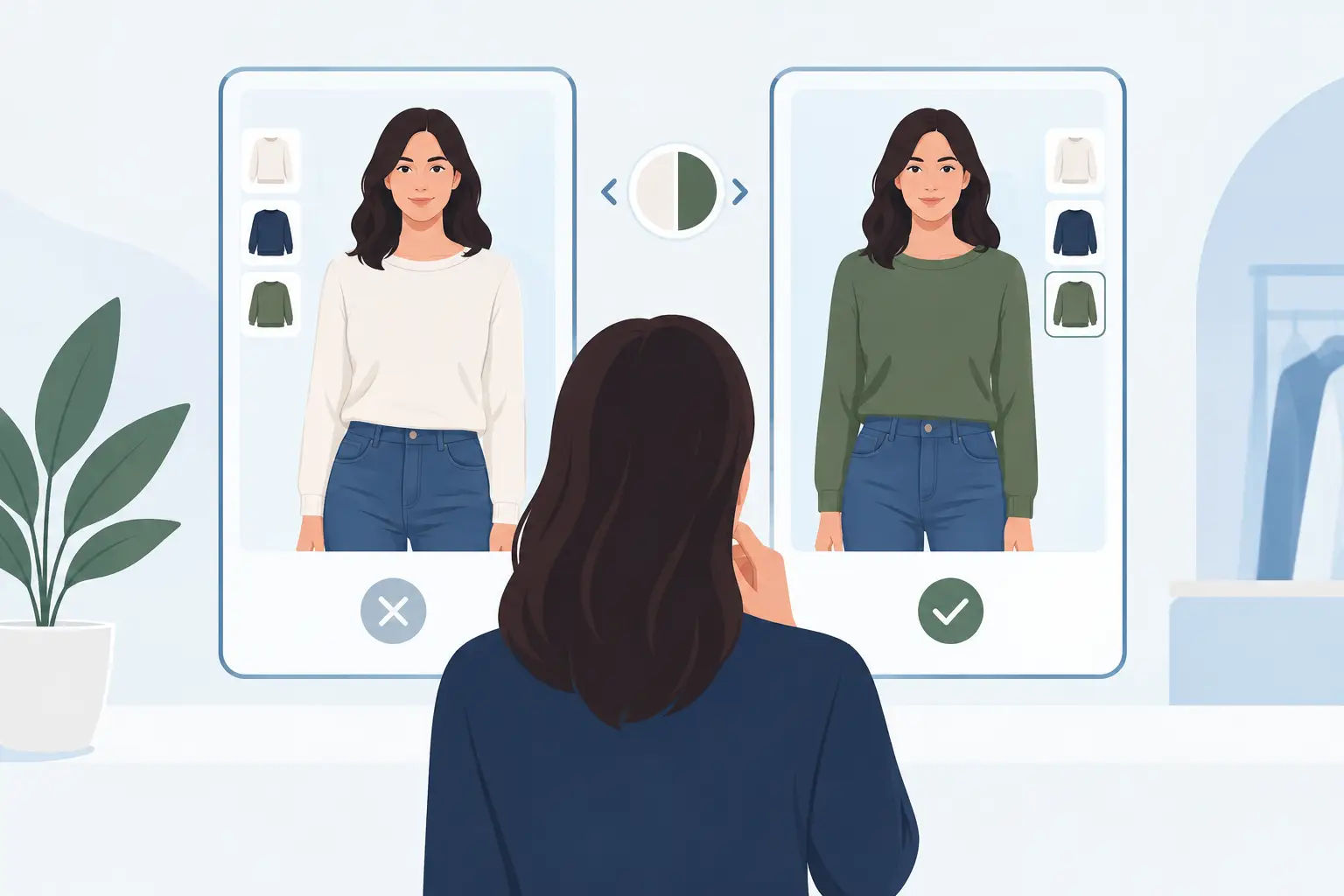
A useful virtual fitting comparison is not about finding the most dramatic before-and-after image. It is about knowing which tool answers your real question before you buy, get dressed, or build an outfit from clothes you already own. Will this color brighten your face? Does this jacket work with your proportions? Can you wear those pants three ways next week? Different virtual fitting tools answer different versions of “Does this suit me?”
That distinction saves time, money, and a surprising amount of morning indecision.
Virtual fitting comparison: start with the question
“Virtual fitting” can describe several very different experiences. Some retailer tools place a product on a generic digital model. Some estimate your size based on measurements or past purchases. Others use augmented reality to layer an item over your camera view. The most personal tools generate a try-on from your own photo.
None is automatically better in every situation. A size recommendation tool may be more useful when you are choosing between a medium and a large. A photo-based try-on is more useful when you are deciding whether a butter-yellow sweater flatters your skin tone or whether a cropped blazer feels like you.
Before you compare features, decide what you need help with: fit, proportion, color, styling, or wardrobe planning. That keeps you from expecting one screen to solve five separate fashion problems.
The four types of virtual fitting tools
1. Size recommendation tools
These tools usually ask for height, weight, body measurements, or your fit preference. Some also use brand-specific purchase and return data to suggest a size.
Their strength is practical: they can reduce the guesswork around whether to order a small or medium. They are especially helpful when a brand runs oversized, has little stretch, or uses inconsistent size charts.
Their limitation is that a correct size is not the same as a flattering look. A tool can suggest the right waist measurement and still tell you nothing about whether the cut works with your preferred silhouette, your existing shoes, or the colors you wear most.
2. Generic model try-ons
Many shopping sites show a garment on models in several sizes, sometimes with adjustable body settings. This is useful for understanding length, drape, sleeve volume, and how fabric sits on a body that is closer to yours than a standard sample model.
Still, generic models are reference points, not personal predictions. Your posture, proportions, coloring, and styling choices affect the final result. Use this format to study the garment itself, especially its shape and fabric behavior, rather than to decide exactly how it will look on you.
3. AR camera overlays
Augmented reality tools use your live camera to place products over your image. They are common for accessories, makeup, eyewear, and occasionally apparel.
For glasses or lipstick, AR can be quick and useful. You can compare shapes and colors in seconds. Full-body apparel is harder. Camera angle, lighting, movement, and device processing can distort scale, and the digital item may not reflect real fabric weight or structure.
Think of AR as a fast visual filter. It can help you rule out an obvious no, but it should not be the only reason you buy a structured coat or fitted dress.
4. Photo-based personal try-ons
Photo-based virtual fitting creates an image of you wearing a selected item or outfit. This is often the strongest option for evaluating the overall impression: color near your face, neckline, styling direction, and whether the piece fits your personal aesthetic.
The result depends heavily on the input. A clear, well-lit photo with a straightforward pose gives the tool more to work with than a dim mirror selfie with a bag covering half your outfit. It can be highly helpful for comparison, but it is still a visual simulation, not a promise that every seam will fit exactly as shown.
What a good virtual try-on should help you see
The best tools do more than make an item appear on screen. They help you make a decision with less guesswork.
First, look at color. A top can technically fit but still leave you looking washed out, overly shadowed, or disconnected from the rest of your wardrobe. Compare the garment against your skin tone, hair color, and overall contrast. If a rich navy makes your features look clearer while a pale gray drains them, that is useful information you can apply beyond one purchase.
Next, look at proportions. Does the hemline visually shorten your legs? Does an oversized shirt balance your wider trousers, or does the whole outfit lose shape? Virtual fitting is most valuable when you compare options side by side: tucked versus untucked, cropped jacket versus longer jacket, straight-leg jeans versus wide-leg pants.
Then consider outfit compatibility. A great item in isolation can become an expensive one-time look. Try it with the bottoms, layers, and shoes you already own. If you can picture three specific outfits for work, dinner, and a casual weekend, it has a much stronger place in your closet.
Finally, check whether the image reflects your real style. Trend-led pieces can look exciting in a product photo and feel unlike you once they arrive. A personal try-on can expose that gap early. The question is not only, “Can I wear this?” It is, “Will I reach for this?”
Where virtual fitting can get it wrong
Virtual fitting is useful, but it has limits worth treating honestly. Fabric is one of the biggest. Satin, linen, ribbed knits, denim, and tailored wool all move differently on a real body. A generated image may show the color and silhouette well while missing cling, stiffness, transparency, or how a garment behaves when you sit down.
Fit accuracy also varies with the garment. Loose sweaters, sunglasses, coats, and color-driven pieces are generally easier to assess visually than highly fitted jeans, bras, swimwear, or formal dresses. For those items, garment measurements, reviews from people with similar proportions, and a flexible return policy still matter.
Lighting can change the result, too. A warm indoor selfie may make a cool-toned shirt appear more flattering than it does in daylight. When color is the deciding factor, use a photo taken in natural, even light and compare the item under the conditions where you will actually wear it.
There is also the confidence trap: a polished simulation can feel more certain than it really is. Treat a virtual try-on as decision support, not a verdict. If you are between sizes or worried about fabric, let the visual result narrow the options, then check the practical details.
A smarter way to test an outfit before committing
You do not need to try every possible item. Start with the piece that creates the most uncertainty, such as a bright color, unfamiliar silhouette, or trend you have been curious about. Then compare it against a reliable alternative you already know works.
For example, if you are considering a cream cropped cardigan for the office, test it with your usual high-waisted trousers and with a darker, longer cardigan. The comparison may show that the cream shade is great near your face but the cropped length works best with only certain pants. That is a better outcome than simply deciding the cardigan is “good” or “bad.”
Use the same approach for occasion dressing. Before a trip, compare one dinner outfit with different layers and shoes. Before an interview, test whether a blazer adds polish or feels too formal for the company. Before a weekend event, see whether the new statement top has enough balance with simple denim and understated accessories.
This is where a connected digital wardrobe becomes more useful than a one-off retailer preview. When your clothing is cataloged, you can test a potential purchase against the pieces you own, not against a blank background. You can also spot repeat patterns: the colors that consistently work, the cuts you rarely wear, and the categories your closet is actually missing.
Choose the tool that matches the decision
Use a size tool when you need help selecting a size. Use a generic model view when you want to understand garment length and drape. Use AR for quick checks on accessories and makeup. Use a personal photo try-on when color, proportions, and outfit chemistry are the main question.
For the strongest result, combine the visual check with basic shopping judgment. Read the fabric composition. Check the size chart. Think about weather, care requirements, and whether you own the right underlayers or shoes. Virtual fitting can make your choice clearer, but it cannot turn an impractical item into a useful one.
If you want to make this part of your regular getting-dressed routine, SHMOT can help you scan your features, organize your wardrobe, try outfit ideas from your own photo, and plan looks before the week gets busy. The goal is simple: spend less time wondering what might work and more time wearing what already feels right.