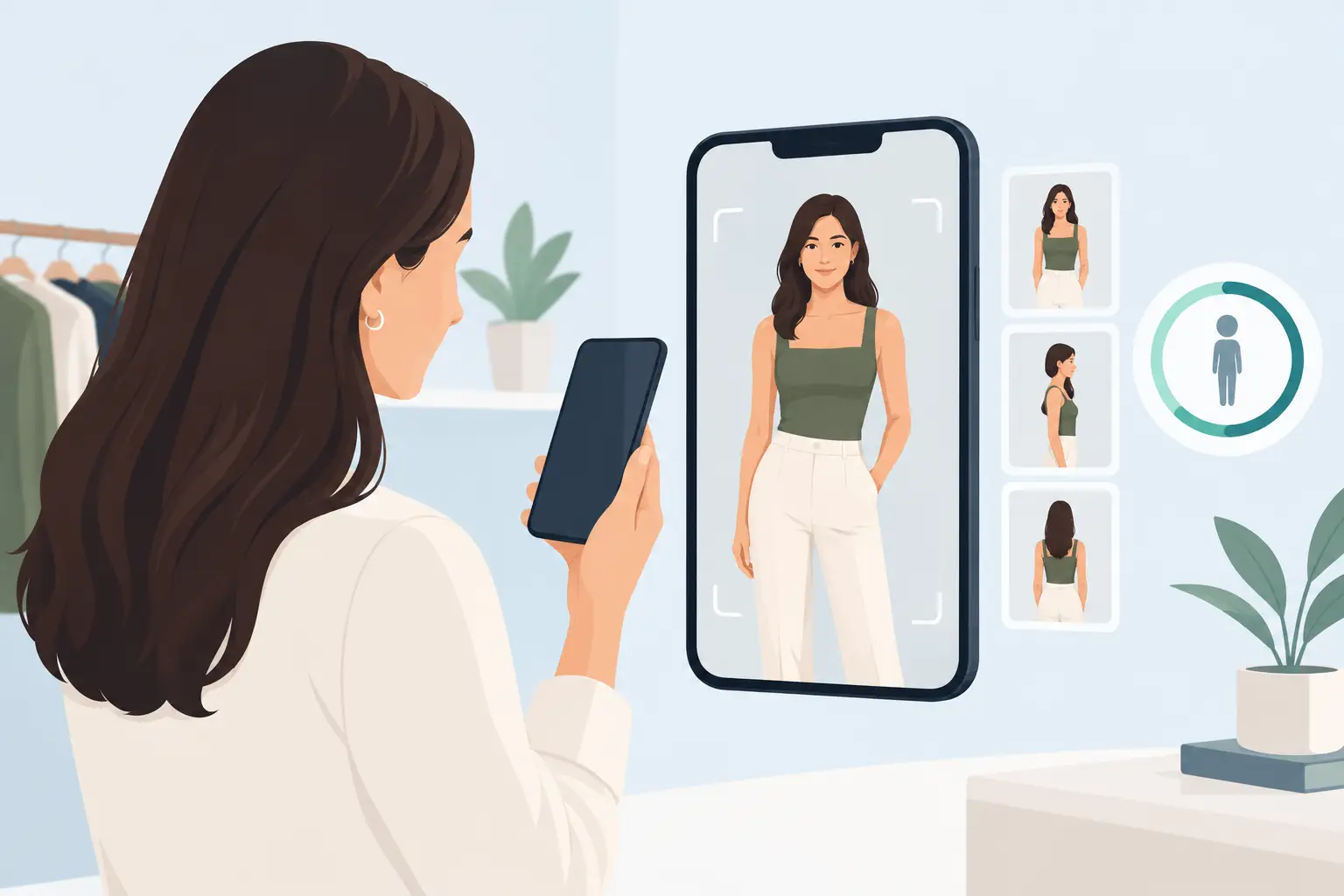
You have a dinner reservation in an hour, three outfit ideas, and no interest in changing clothes six times. A virtual try-on can narrow the options fast, but virtual tryon accuracy matters if you are using it to decide what actually deserves a place in your plan.
The best virtual try-on tools are very good at showing a styling direction: whether a color brightens your face, how a neckline frames it, or whether a blazer creates the polished look you want. They are less reliable when asked to predict the exact feel of a fabric or whether a pair of jeans will be tight at the waist. Knowing the difference helps you use the technology with confidence, not blind faith.
What virtual try-on accuracy actually measures
“Accurate” can mean several different things. For a virtual clothing experience, visual accuracy is usually the first layer. Does the garment look believable on your body? Does the color appear close to real life? Do the proportions of the jacket, dress, or top look plausible from the front?
Then there is styling accuracy. This is where virtual try-on becomes especially useful for everyday decisions. It can help you see whether a warm red competes with your skin tone, whether a cropped jacket balances wide-leg pants, or whether a shirt works with the trousers already in your wardrobe.
Fit accuracy is a separate question. A generated image cannot fully recreate how a stiff cotton shirt pulls when you reach forward, how stretch denim settles after an hour, or where a waistband lands on your torso. Tools that use body measurements, garment specifications, and multiple views can make stronger fit predictions. A single-photo virtual try-on is primarily a visual styling tool, not a replacement for a fitting room.
That distinction is not a drawback. It simply sets the right job for the tool. Use it to edit choices before you buy, pack, or get dressed. Use size charts, reviews, and return policies for the final size decision.
Why results can look uncannily real or slightly off
A virtual try-on begins with the information it has. If the starting photo is clear, well lit, and shows your proportions naturally, the AI has more to work with. If the photo is dark, heavily filtered, angled from above, or obscured by a baggy hoodie, it has to make more assumptions.
Garment imagery matters just as much. A clean front-facing image of a structured blazer is easier to render than a sheer, ruffled top photographed in dramatic studio lighting. Small details such as a belt, oversized sleeves, layered necklaces, or a high-contrast print give the system more visual decisions to solve.
The garment itself also affects accuracy. Structured pieces tend to be easier to visualize because their shape stays consistent. Think blazers, button-downs, straight-leg pants, tailored coats, and simple dresses. Fluid fabrics such as satin, chiffon, loose knits, and very oversized pieces can shift significantly with movement, which makes their real-world drape harder to predict from a still image.
Body pose is another factor. A relaxed, front-facing stance gives a clearer view of the overall silhouette. A hand on the hip can be useful for showing shape, but it may hide the way a sleeve or side seam falls. This does not mean every photo needs to look formal. It means a photo taken for styling should prioritize clarity over a dramatic pose.
What you can trust a virtual try-on to tell you
Virtual try-on is most valuable when the question is visual and specific. You can trust it to help compare options that would otherwise stay stuck in your imagination.
For example, say you have a cream sweater, a cobalt sweater, and a muted olive sweater. A try-on can make it easier to spot which color makes your complexion look clearer and which one casts unwanted shadows around your face. That is especially useful when color is the main reason you are hesitating.
It can also help with outfit proportions. You may know that your black trousers fit well, but still wonder whether they look better with a fitted tee, a relaxed shirt, or a cropped jacket. Seeing each option on your own image is more useful than staring at product photos on models with different heights, body shapes, and styling.
Use it to test occasions, too. A look that feels right for a casual office may read too informal for a client presentation. A dress that works for a birthday dinner may need a sharper layer for an evening event. By trying on complete outfits, you can judge the overall message, not just one garment at a time.
Where virtual try-on needs a reality check
Be cautious when an image makes a sizing claim that the available data cannot support. A top may look smooth in a generated try-on while feeling restrictive across the shoulders. Pants may appear perfect from the front but sit differently through the seat or inseam. Shoes, bras, swimwear, and compression garments need even more real-world verification because comfort and support matter as much as appearance.
Color also has limits. Screen brightness, indoor lighting, camera processing, and fabric texture can all alter a shade. Treat a virtual try-on as a strong signal about color harmony, then check the product’s listed color and real customer photos when you can. If you know your personal palette, compare the item to shades you already wear successfully.
Patterns deserve a second look as well. Stripes, small checks, sequins, and intricate prints can distort in generated images. The result may still tell you whether the print feels too busy or whether it suits your style, but it may not reproduce every detail precisely.
How to improve virtual try-on accuracy
You do not need a professional photo shoot. A few simple choices can make a visible difference.
Start with a clear reference photo
Use natural daylight or bright, even indoor light. Stand facing the camera with your shoulders relaxed and your full outfit area visible for the type of item you want to try. Avoid strong filters, sunglasses, hats, and dramatic shadows. Wear close-fitting, neutral clothing if possible, so your outline is easier to read.
Keep your camera angle honest
Place the camera around chest height rather than shooting from very high or very low angles. Wide-angle lenses can exaggerate proportions when the phone is too close. Step back slightly and crop later if needed. The goal is not to look posed. It is to give the AI a useful, realistic reference.
Compare like with like
When choosing between two outfits, use the same photo, pose, and lighting for both. Otherwise, it is easy to mistake a change in the image for a change in the clothes. Compare one variable at a time: two colors of the same top, two jacket lengths, or two shoe options with the same outfit.
Add context from your own wardrobe
A standalone item can look great and still be impractical if it only works with one pair of pants. Test it with pieces you already own. This is where a digital wardrobe becomes more useful than a stream of product images: you can see whether a new shirt works with your favorite jeans, office trousers, and weekend layers before it becomes another isolated purchase.
Use the result as a decision tool, not a verdict
The strongest way to use virtual try-on is to ask better questions. Instead of asking, “Does this look perfect?” ask, “Which option makes me look more put together for this event?” Instead of, “Will this fit exactly?” ask, “Is this silhouette worth ordering in my usual size?”
That mindset saves time and reduces purchase regret. It also makes getting dressed less dependent on a last-minute mirror test. You can build a shortlist, spot your strongest colors, and prepare outfits for the week while you have time to think.
For the most useful results, pair a clear selfie with the clothes you actually own and the life you actually have planned. SHMOT can help you scan, try on, and organize those choices, so the next outfit decision starts with a better view of what works for you.